How to make a QR code for your Instagram profile
Two free ways to get a QR code that opens your Instagram profile: the one inside the app, or one made from your profile link. Steps, checks and pitfalls.

To make a QR code for your Instagram profile for free, open your profile in the Instagram app and tap Share profile, or paste your profile link (https://www.instagram.com/yourname/) into a free QR code generator and download the code. The app's code is quick to share from a phone; a code made from the link gives you a clean file for print.
How do I find my QR code inside Instagram?
Every profile already has one. Instagram's Help Center gives these steps:
- In the app, tap Profile or your profile picture in the bottom right.
- Tap Share profile, below your bio.
- Your profile card appears. Swipe it to flip between your profile and the QR code. Under it you can choose Share to..., Copy link, Download or Add to story.
You can change the look of the code too: a background color or photo, or, in some versions of the app, the Color, Emoji and Selfie styles. On a computer, click your profile picture, then Settings, then QR code, and pick a color.
Profile cards are not available to everyone yet, and the menus change between versions, so your screen may differ.
How do I make an Instagram QR code from my profile link?
Use this for anything printed: a flyer, a shop window, a poster or a business card.
- Get your profile link. It is
https://www.instagram.com/followed by your username. You can also tap Share profile, then Copy link. If the copied link has a?followed by more characters, delete them: the part before the?opens your profile, and a shorter link makes a simpler code that scans better when printed small. - Check the link. Paste it into your phone's browser. If it opens your profile, it is right.
- Make the code. Open the vCardGen QR code generator, keep "Link" selected, paste your link and download the code. There is no account to create, and nothing you type is sent anywhere: the code is drawn in your browser.
- Pick the right file. Take the SVG for print, because it stays sharp at any size. The PNG is fine for a screen, a story or an email.
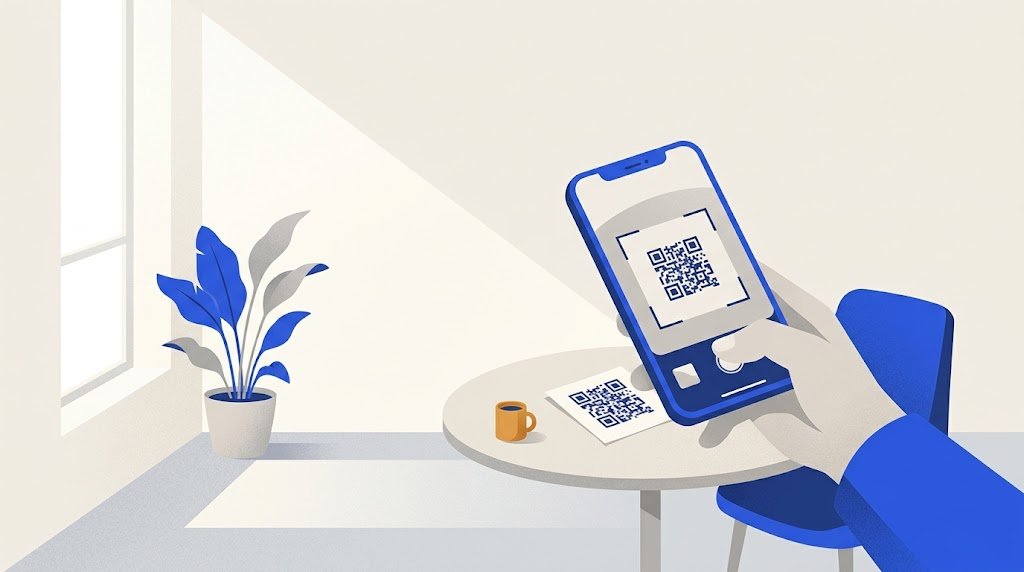
- Test it. Scan it with your phone before you use it. On an iPhone, open the Camera app, point it at the code and tap the link that appears. On most Android phones the camera app does the same, and Google Lens reads it too.
Which one should I use?
| What | Code from the Instagram app | Code made from your link |
|---|---|---|
| Where you get it | Share profile in the app | Any QR code generator |
| Look | A colored background, a photo or a style of your choice | A plain black and white code |
| Best for | Sharing from your phone, a story, a message | Print: posters, menus, packaging, cards |
| File | Saved from the app as an image or a video | PNG or SVG, ready for a designer |
For a screen, the app's code is enough. For paper, a plain dark-on-white file is easier to place, prints sharp at any size, and scans more easily than a code on a photo.
Does an Instagram QR code expire?
A code made from your link does not expire. The address is written in the black and white pattern itself, with no service in between that could stop it. The vCardGen generator makes this kind of code, with no scan limit. There is more on this in do QR codes expire?
Be careful with generators that give you a "dynamic" code: the code then holds their own address, which forwards to Instagram. Read their terms before you print it, because the code stops working if that forwarding ever stops.
What happens if I change my username?
Your profile link contains your username, so a new name means a new address. The old address no longer leads to you, and once the old name is free again, someone else can take it: your printed codes would then send people to their profile.
So settle on your username before you print. If you change it later, make a new code from the new link and replace the old prints.
What do people see when they scan it?
The phone shows the link, and a tap opens your profile, in the Instagram app or in the browser. If your account is public, they see your posts straight away.
If your account is private, people who scan still find your name, photo and bio, but they must send a follow request to see your posts, and you choose whether to accept. For a business, that defeats the point of the code. Instagram does not let a professional account be private anyway.
Why does my Instagram QR code not work?
- The link is wrong. A typo in the username, or a link copied from the wrong profile. Open the link in a browser before you make the code.
- The username changed since the code was made. Make a new code.
- The print is the problem. Too small, too pale, on a shiny or busy background, or with no white margin around it. Print it bigger, dark on light, and leave a clear border.
- It was only tested on a screen. Print one proof at real size and scan it with two phones, one of them not yours, before printing in bulk.
Example: a QR code on a bakery counter
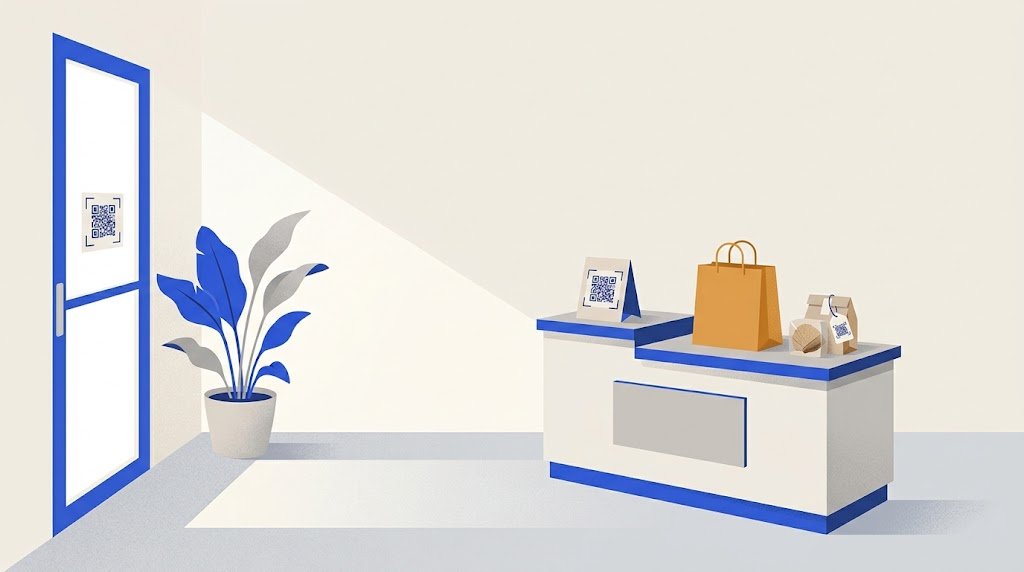
A small bakery wants more followers for the bread it posts every morning. The owner checks its profile link in a browser, makes the code, downloads the SVG and puts it on a counter card under one line: "Follow us on Instagram" and the username, for those who would rather search. She scans one printed card with her phone and a friend's, then prints the rest.
Can one QR code open Instagram and more?
A profile code does one thing: it opens Instagram. If you also want people to call you, write on WhatsApp, visit your website or save your contact, a digital business card puts all of that behind one code. On vCardGen you create a card with your photo, your details and your Instagram username, which shows as its own row. The card goes online once you sign in with a code sent to your email, and you can edit it later while the printed code stays the same.