QR code for restaurant tables: tents, stickers
How to print a QR code for restaurant tables: the size (3 to 6 cm), table tent or sticker, matte card, the white margin and a test before you print.
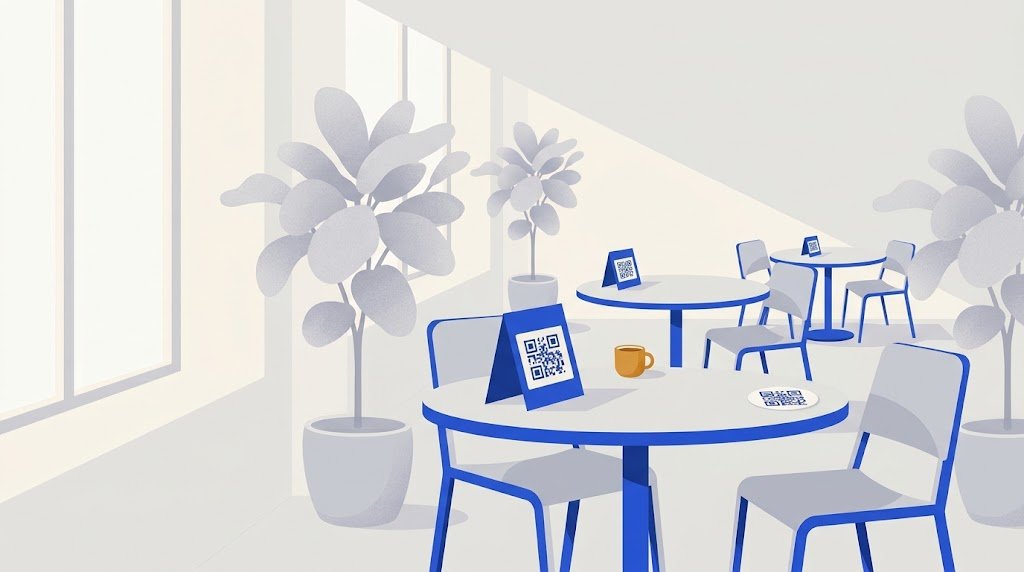
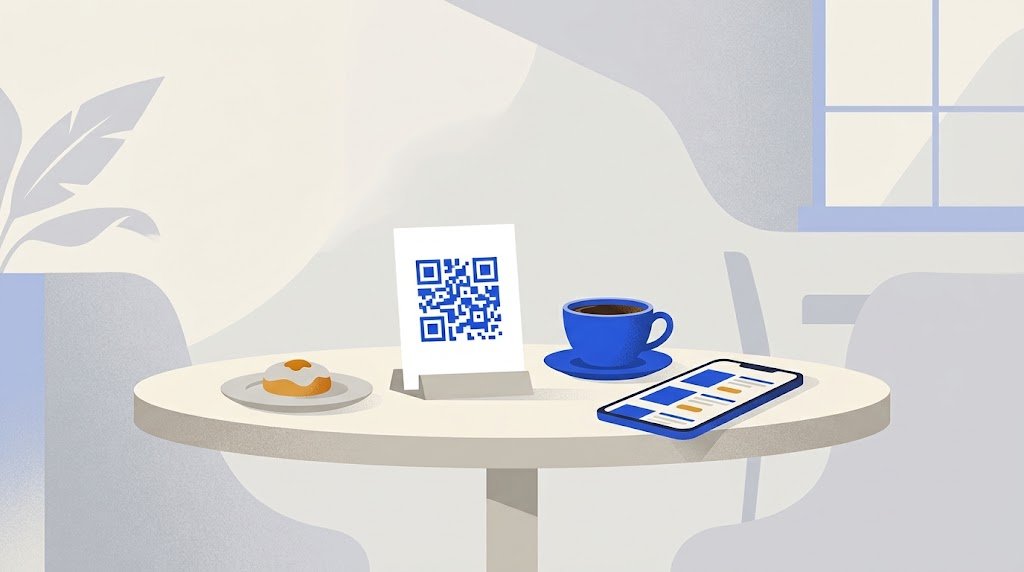
For a restaurant table, print the QR code black on white, 3 to 4 cm (1.2 to 1.6 inches) wide on a sticker in front of the guest, or 4 to 6 cm (1.6 to 2.4 inches) on a table tent, with a blank white margin all around it. Use matte card or a matte waterproof sticker, add a short line such as "Scan for the menu", and scan a test print before you print for every table.
What should the code on the table open?
The code holds a web address, nothing more. So first you need a menu online at an address that will not change: a PDF, a page of your own website or a menu page made for phones. Our guide on how to make a QR code menu compares the three.
Do you need a different QR code for each table?
Not to show a menu. If guests only read it, every table can carry the same code, and so can the counter and the window. A code per table is needed only when guests order or pay from their phone, so that the order reaches the right table.
What size should a QR code be on a restaurant table?
A common rule of thumb: a code can be read from about ten times its own width. A seated guest scans a sticker from 30 to 40 cm, and a tent from 40 to 60 cm:
| Where the code is | Distance to the phone | Width of the code |
|---|---|---|
| Sticker in front of the guest | 30 to 40 cm | 3 to 4 cm (1.2 to 1.6 in) |
| Table tent in the middle of the table | 40 to 60 cm | 4 to 6 cm (1.6 to 2.4 in) |
| Counter or till | about 50 cm | 5 cm (2 in) |
| Window or wall | 1 to 2 m | 10 to 20 cm (4 to 8 in) |
These widths are for the black pattern alone. Around it you need a white margin as wide as four of its small squares, which the QR code standard asks for. Do not crop it, and do not let a border or a logo touch the code. In a dim room, take the top of each range.
A longer address makes a denser code, which must be printed bigger to stay readable. So link the code to the menu's own short address, not to a long link copied from a file-sharing service.
Table tent or sticker: which is better?
- A table tent is a folded card that stands up. It is seen from further away, can carry the restaurant's name and the WiFi, and is replaced in a minute. But it gets knocked over, taken or stained.
- A sticker stays where you put it. But tables are wiped many times a day: choose a laminated or waterproof vinyl sticker, and a matte one. A paper sticker can peel or fade fast, above all outdoors.
- An acrylic stand with a printed card slid inside is a middle way: the card can be changed, and the stand can be wiped.
Whatever you choose, keep the code matte: printers advise matte, uncoated or soft-touch finishes for QR codes. Under a lamp, a shiny surface can throw a bright spot across the code, and the phone stops reading it at some angles.
How do you print table tents yourself?
- Use the SVG file if your layout program takes it: it stays sharp at any size. Otherwise use a large PNG, never a small one stretched.
- Lay out one face: the restaurant's name, the code, one line saying what it opens ("Menu: scan with your phone camera"), and the short address written out under it, for a guest whose phone will not scan.
- Make a tent from one sheet: an A4 or US Letter sheet folded in half, parallel to the short side, gives two faces the size of A5 or half-letter. Put the code on both faces, so guests on either side can scan it, and turn the back face upside down in your layout, or it will be upside down once folded.
- Print at actual size (100%), not "fit to page", and measure the code on the paper.
- Use thick card. Print shops make table tents from card of about 300 g/m²; at home, check the heaviest card your printer takes.
- Scan the printed tent, not the screen: with an iPhone and an Android phone, in the real light of your room, from a guest's seat.
Keep the code black on white, or another dark colour on a light background. A light code on a dark background is read by some phones and scanner apps and not by others.
What does this look like in a real café?
A café with 14 tables puts its menu online and gets one QR code. The owner lays out a landscape A6 face (14.8 x 10.5 cm): the café's name, the code 5 cm wide, "Scan for the menu" and the short address. She prints two faces on each sheet of matte A5 card, folds it into a tent, and places one on each table. For the terrace, where tents blow away, she orders 14 matte waterproof stickers with the same code, 4 cm wide.
In spring she changes six prices and adds iced drinks. Nothing is printed again: the code holds the address of the menu, and the address has not changed.
Can the printed code stop working?
A QR code that holds the menu's address directly has no expiry date and no limit on scans. It stops working only if the page at that address goes away. If a service puts its own address in the code and sends guests on to yours, the code works only as long as that service keeps it active. Scan your code and read the link it shows before you print a hundred of them. There is more on this in do QR codes expire?.
If your menu is not online yet, the free QR code menu on vCardGen puts it on a page for phones at a short address. You sign in with a code sent to your email, then download the QR code as a PNG of at least 1200 pixels or as an SVG, black on white, margin included. The address never changes, so you edit dishes and prices whenever you like and the printed code stays the same.