What is a digital visiting card? Make one free
A digital visiting card is your visiting card as a web page that opens from a QR code or a link. What it holds, how it works and how to make one free.
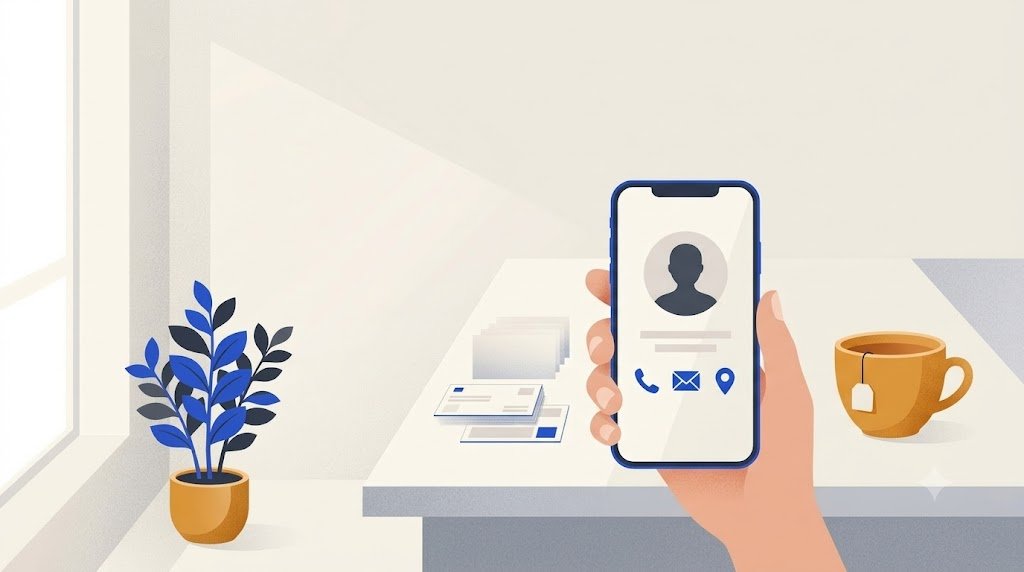
A digital visiting card is your visiting card as a small web page: your name, your work and your contact details, opened by a QR code or a link. You can make one free in a browser, print its QR code on your paper card or your shop counter, and people save your number with one tap.
Is a visiting card the same as a business card?
Yes. It is the same small card with your name, your job and how to reach you. In India the usual word is "visiting card", and printers there sell visiting cards rather than business cards. In the Philippines people often say "calling card", and in Singapore or Malaysia you will often read "name card".
So a digital visiting card and a digital business card are the same thing under two names.
How does a digital visiting card work?
The card is a web page with its own address. That address is turned into a QR code, and you share either one:
- In person: someone points their phone camera at your QR code and opens the link.
- In a chat or by email: you send the link, and they tap it.
- On paper: you print the QR code on your visiting card, a flyer or a sign at your door.
The person on the other side needs no app and no account. The card opens in their phone's browser. On an iPhone, the Camera app reads QR codes on its own: hold the phone so the code shows, then tap the link, as Apple's help page explains. Many Android phones do the same from the camera, and Google Lens reads the code on the others. If someone gets stuck, see how to scan a QR code.
What does a digital visiting card hold?
More than paper can, and every line does something when tapped:
- your photo, name, profession and company
- a phone number that calls you with one tap
- a WhatsApp row that opens a chat with you
- your email, your website and your address, which opens directions in Maps
- your Instagram, LinkedIn, Facebook or TikTok
- a Save contact button that adds you to their phone's contacts
That last button is the point: nobody types your number by hand, so nobody types it wrong.
Do you still need a paper card?
Many people keep both: the paper card is handed over, and the QR code on it leads to the digital card, which holds the rest and can change later.
| Paper visiting card | Digital visiting card | |
|---|---|---|
| How it is shared | By hand | QR code or link, in person or at a distance |
| Saving your number | Typed by hand | One tap on Save contact |
| New phone number | Reprint the cards | Edit the card; the printed code stays the same |
| Photo, WhatsApp, socials | Little room | Yes, each as a row to tap |
| Needs a connection to open | No | Yes, it is a web page |
For a longer comparison, read digital business card vs paper.
How do you make a digital visiting card for free?
On vCardGen the card builder is free, with nothing to install. It works on a phone or a computer, with a live preview of the card as you type. You need an email address to put the card online.
- About you. Type your name and profession. Add a company, a short bio and a photo if you like.
- Contact. Fill in only the ways you want to be reached: phone, email, website, address, social profiles. You need at least a phone number or an email. Tick the box if your number is also on WhatsApp. Empty fields do not show on the card.
- Style. Pick a color and the card's address, the part after vcardgen.com/ that your QR code will carry. Use your name or your business name.
- Publish. Type your email and the 8-digit code you receive. The card goes online, with its link and its QR code.
There is no password: each time, a code sent to your email signs you in. That sign-in is what lets you, and only you, change the card later. Your account page gives the QR code as a PNG or an SVG, and a ready-made 85 x 55 mm paper card with your details and the code, to download or to print eight to a sheet.
What should you put on it?
A good card answers three questions fast: who are you, what do you do, how do I reach you.
- Use the name people know you by, and a profession in plain words: "Electrician", "Math tutor", "Wedding photographer".
- Give the phone number with its country code, such as +91 for India, so the call and the WhatsApp chat also work from abroad.
- Add one or two social profiles you really use, not all of them.
- Choose a clear photo of your face, or your logo for a shop.
Can you change it after printing the QR code?
Yes. The QR code holds the card's address, not your details. When your number, your job or your website changes, you sign in, edit the card and save. Every code already printed opens the new version, for as long as the card is online.
Only the address cannot change, because printed codes carry it. Choose it once, with care.
If you would rather have no account and no web page, a plain contact QR code is the other way: it holds your details inside the code itself, and the phone offers to save them. The vCard generator makes one free, with no sign-up. But those details cannot be changed after printing: you make a new code instead.
A short example
Meera teaches math at home and online in the evenings. She makes a card with her photo, "Math tutor, classes 6 to 10", her phone number (also on WhatsApp), her email and her area, which opens in Maps. She picks the address meera-math.
She prints the QR code on her paper visiting cards and on a notice at the gate. Parents scan it and save her contact in one tap, or message her on WhatsApp from the card. When she moves her classes to a new area, she edits the card, and the cards already handed out open the new details.